
Overview
Paper stays at the heart of the classroom: Scolaneo does the rest.
The journey of a test
-
Prepare
Multiple choice, true or false, numeric answers, written questions, or from a PDF or Word paper.
-
Print
A named copy per student, or one copy to photocopy.
-
Scan
Copies photographed with a phone are read and filed by student.
-
Grade
Multiple choice grades itself; you grade the rest, question by question.
-
Analyse
Statistics, success by competency, frequent traps, remediation.
-
Archive
Grades, copies and statistics of the year exported in one archive.
Features by profile
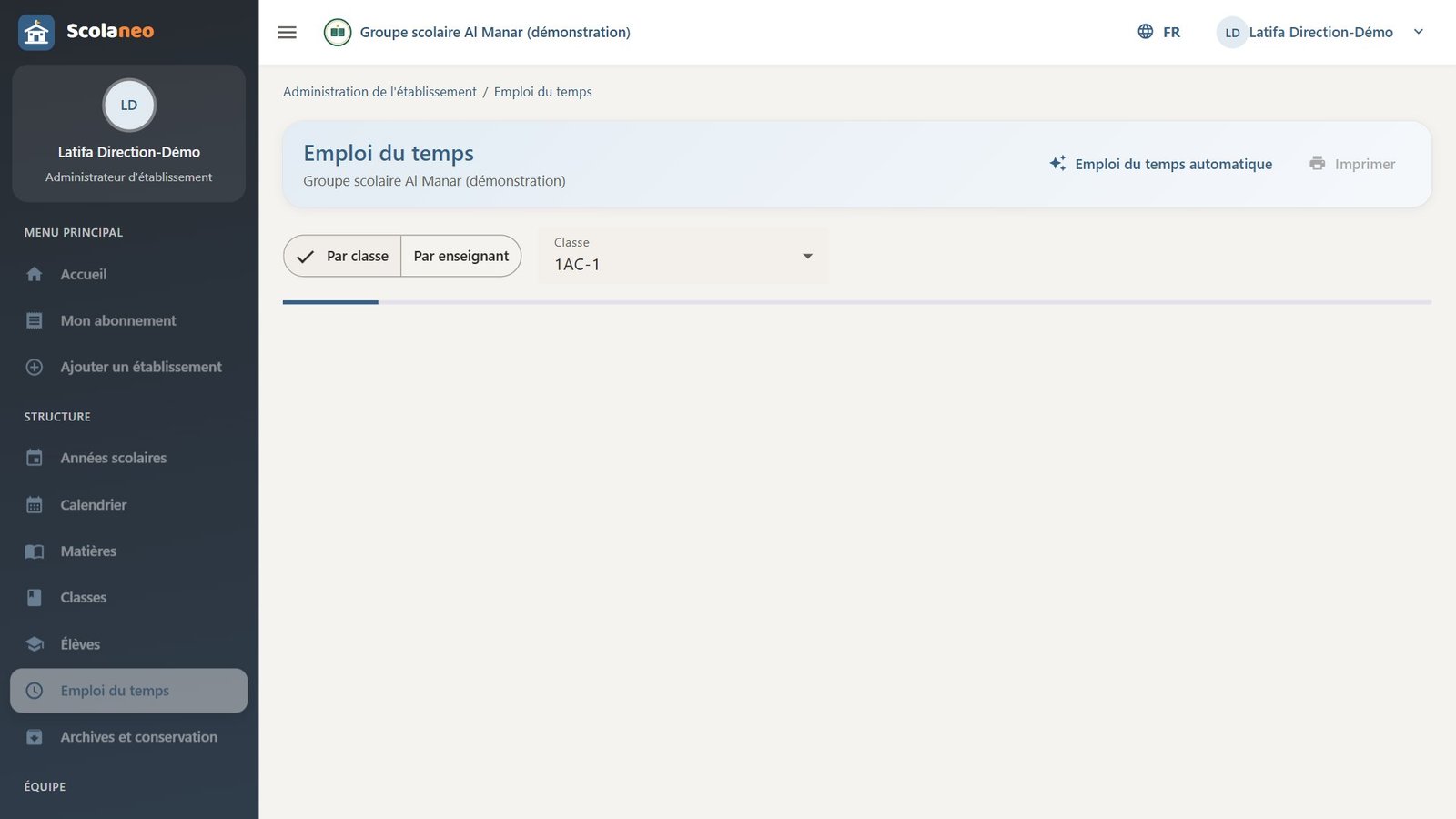
School
- Classes, students and teachers of the year
- Timetable computed automatically
- Absences, report cards and payments
- Announcements to teachers and students
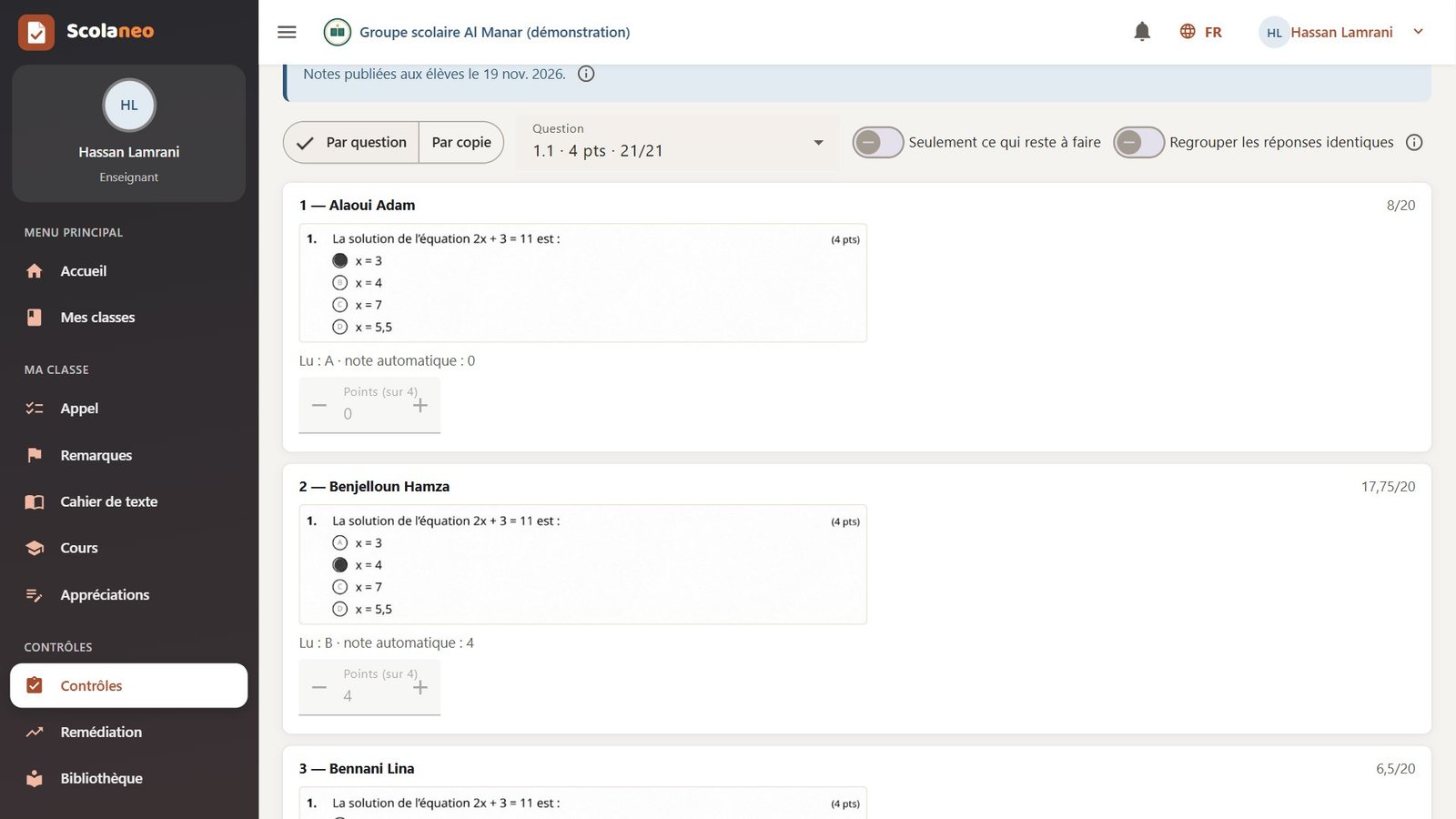
Teacher
- Tests ready to print, even from a document
- Scanning of the copies with a phone
- Fast grading and detailed results
- Roll call, lesson log, personal library
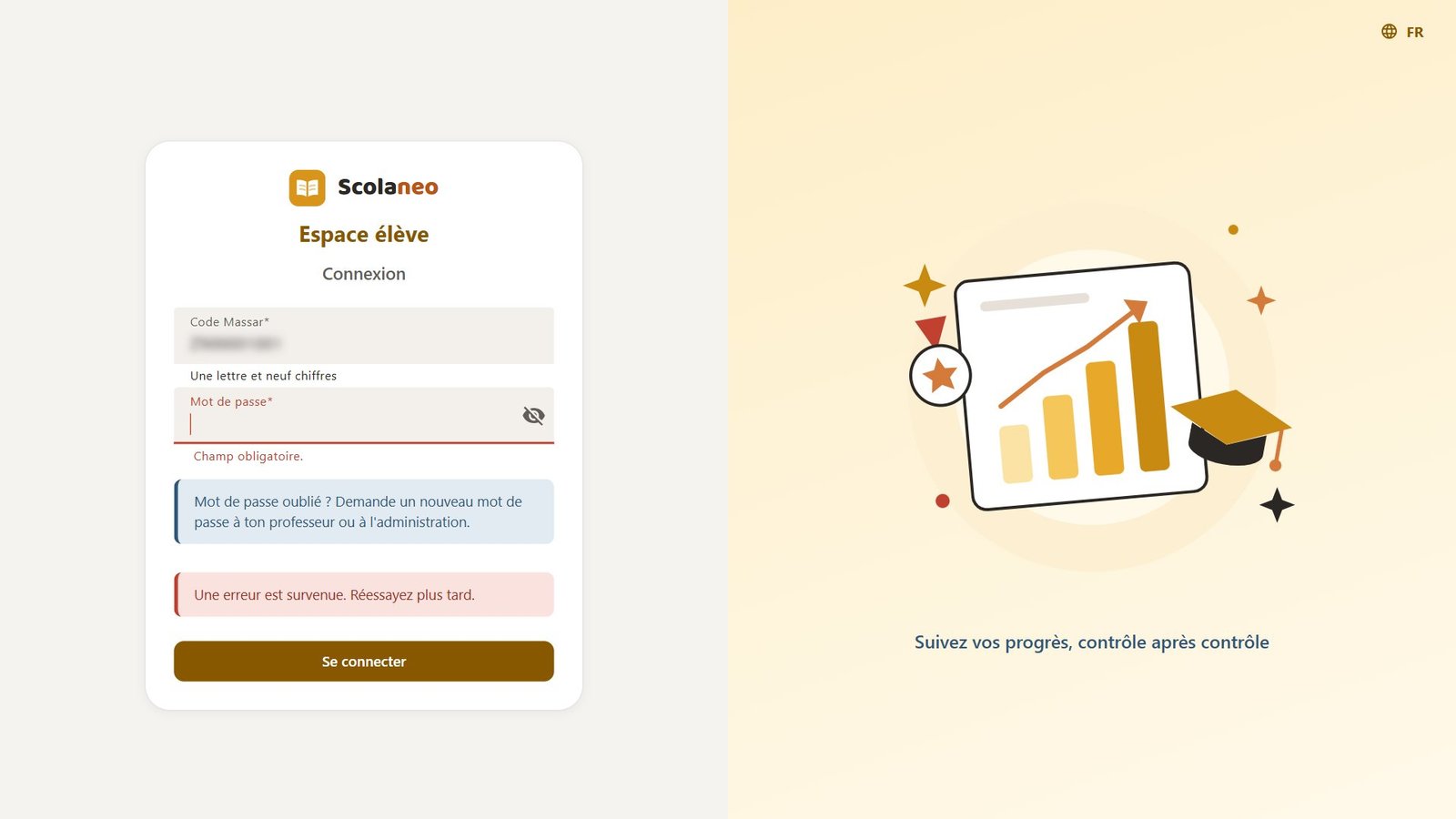
Student
- Published grades and graded copy
- Homework and lesson log
- Absences, report cards and payments
- Announcements of the school
Tutoring centre
- Groups by subject and by teacher
- Monthly fees, unpaid amounts and reminders
- Timetable of the groups
- The same tests and grading as a school
Strengths
Students write on paper, as always: no screen in the classroom.
Papers, copies and interface in Arabic (right to left) and in French.
Massar codes, Moroccan levels, cities and regions, report cards and appreciations.
In line with law 09-08: limited access, private copies, no personal data in the QR codes.